How To Redeem A Roblox Gift Card
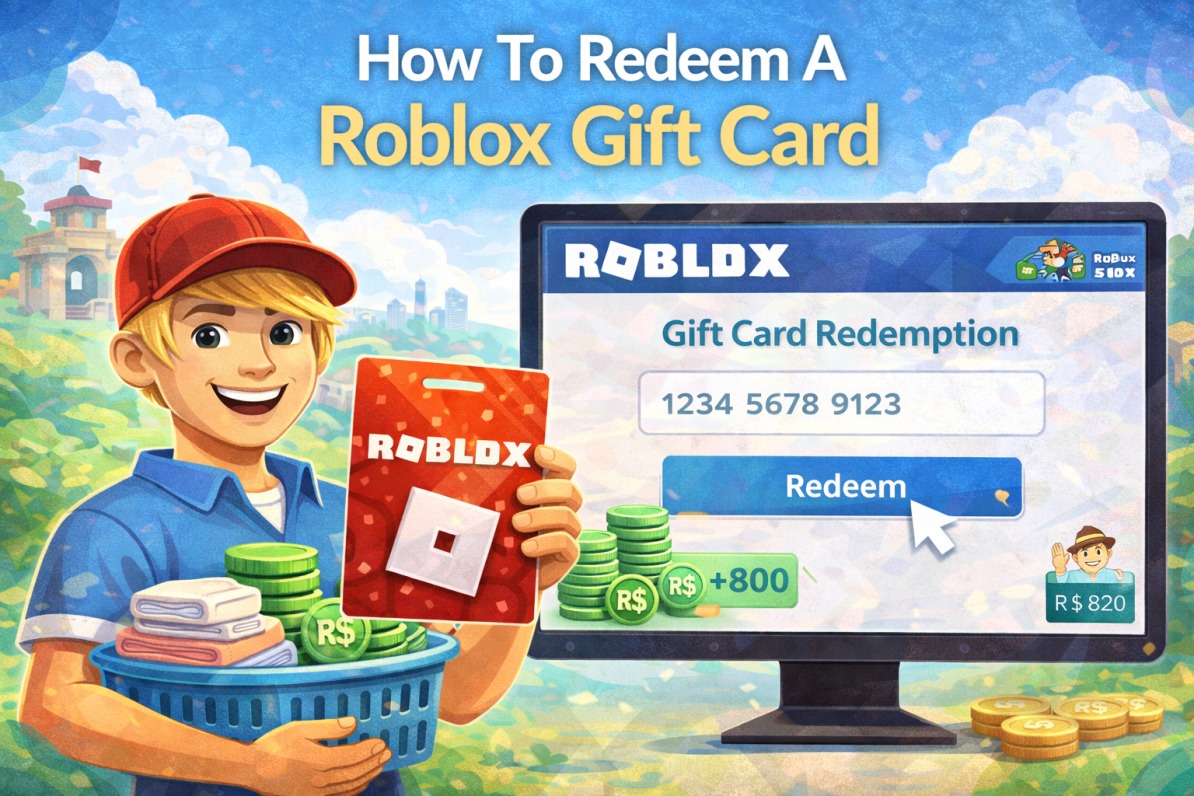
Redeeming a Roblox gift card is a simple way to add Robux or Premium membership to your account without using a credit card. First, log in to your Roblox account on the official website using your username and password. Once logged in, go to the gift card redemption page, where you will see a box asking for your PIN code. Scratch off the silver panel on the back of your card carefully and enter the code exactly as shown.
Steps to Redeem Your Roblox Gift Card
After entering the code, click the Redeem button and wait a few seconds for confirmation. If the code is valid, the balance will instantly be added to your account. You can then use this balance to buy Robux, upgrade to Roblox Premium, or purchase in-game items and accessories. Make sure you are logged into the correct account before redeeming, because once applied, the balance cannot be transferred.
Common Mistakes to Avoid During Redemption
Sometimes users confuse Roblox gift cards with other store cards like checking a westfield card balance, but Roblox gift cards work only within the Roblox platform. They cannot be used in physical stores or for other online purchases. Always verify that your card specifically says “Roblox” and that it hasn’t already been redeemed before entering the code.
What to Do If Your Roblox Gift Card Doesn’t Work
If your gift card doesn’t work, double-check for typing errors and ensure that the card was purchased from an authorized retailer. Also, confirm that the PIN hasn’t been damaged or scratched too deeply. If the problem continues, Roblox support can help you verify the card and resolve the issue after reviewing your purchase details.
How Long Roblox Gift Card Balances Last
Once redeemed, your Roblox balance does not expire, so you can use it whenever you want. Many players prefer saving their balance for special in-game events, limited-time items, or avatar upgrades. This flexibility makes gift cards a popular choice for birthdays, holidays, and gaming rewards.
Comparing Roblox Gift Cards With Store Gift Cards
Just like redeeming a kmart gift card in-store or online, the Roblox redemption process is quick and user-friendly. As long as you follow the steps correctly and keep your card secure until use, you can enjoy instant access to Robux or Premium features and enhance your gaming experience right away.
Can You Redeem Roblox Gift Cards on Mobile Devices
Yes, Roblox gift cards can be redeemed on mobile devices through a web browser. Simply open your browser, log in to your Roblox account, and visit the gift card redemption page. The steps are the same as on a desktop computer, and your balance will be added instantly after entering the correct PIN code.
How to Use Roblox Gift Card Balance After Redemption
After redeeming your gift card, your balance can be used to purchase Robux, subscribe to Roblox Premium, or buy in-game items and avatar accessories. Some games also offer exclusive items that can only be purchased using Robux, making your gift card even more valuable.
Tips to Keep Your Roblox Gift Card Safe
Always store your gift card in a secure place until you are ready to redeem it. Avoid sharing the PIN code with anyone, and never enter it on unofficial websites. If you suspect fraud or unauthorized use, contact Roblox support immediately to protect your account and balance.